
VoIP phone systems in Spokane
Connect callers with the people who can help.
Plan what happens when someone calls your Spokane business: who answers, where a transfer goes and what callers hear after closing. The setup should follow the people handling calls, even when they are away from the office.
Design I.T. Solutions helps choose, set up and manage your VoIP phone system. We configure the call routes, train staff and support the system after the switch.
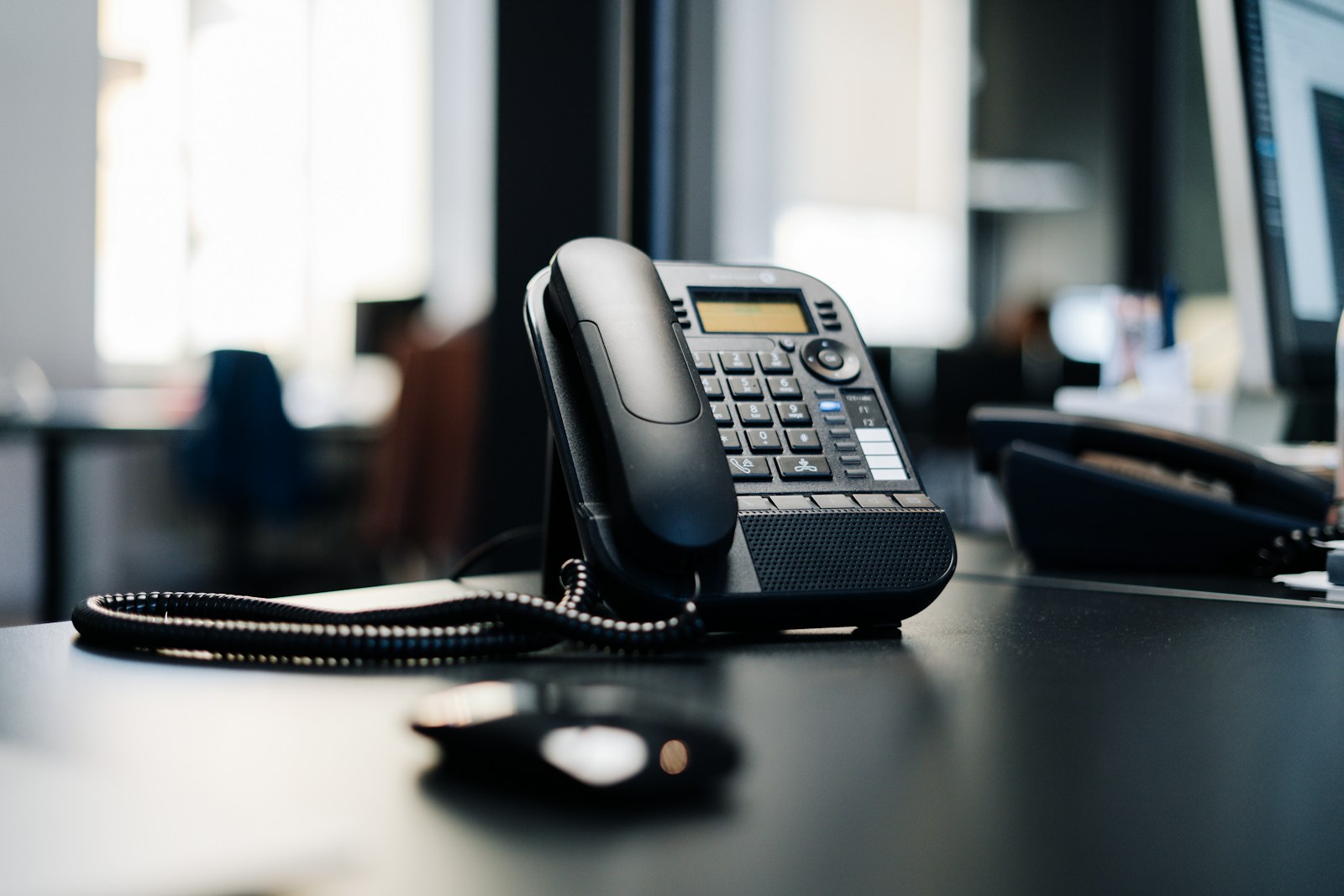
Your main number can reach beyond the front desk.
A caller should not need to know whether the right person is at your Spokane office, at home or at another location. We configure the system around how your staff should be reached.
While your office is open
Route callers through a recorded greeting and menu, called an auto-attendant, or to the staff who answer that number. Employees can answer and transfer calls from a desk phone, computer or mobile.
When no one can answer
Send voicemail audio to the appropriate inbox. Agree where calls should go after your Spokane office closes, including voicemail, a mobile or an on-call colleague where that is part of the setup.
What is VoIP? Voice over Internet Protocol carries calls over your internet connection instead of traditional phone lines. We offer hosted and on-site systems, with setup, staff training and ongoing support.
What we set up and support
- Business calls on your devices
- Use your business number from desk phones, computers and smartphones. We configure devices and call routes around the locations and responsibilities of your staff.
- Conference calling
- Bring several people into the same call using a built-in conference bridge, without a separate conferencing service.
- Call reporting
- Review call volumes, durations and missed calls. Compare unanswered calls with staff availability before deciding whether to change a route or greeting.
- Changes as your team grows
- Add a new employee’s extension or change who receives calls when roles shift. Our help desk supports those phone-system changes after installation.
Hosted or on-site? Start with how you work.
We offer hosted and on-premise VoIP. Review your Spokane office’s equipment and connection alongside the budget, staff locations and calling needs before choosing a system.
Compare the full cost of service, equipment and support with your current bill. Savings depend on the system and calling needs; a lower monthly cost is not automatic.
A planned switch, with support afterward.
We assess calling needs, recommend a system and handle installation, configuration, number transfers and staff training. Include the network and Cybersecurity in the work, alongside the phones themselves.
Support after setup
Our help desk supports the phone system after setup, from extension changes to phones that stop working. Your business has help with the calls and the technology behind them.

Keep the numbers people know
List the business numbers you want to keep and confirm the account details held by your current provider. We handle the transfer process, called porting. Keep the existing service active until the providers complete the transfer.
Check the connection behind the call
We assess bandwidth and the network behind the calls. If you are moving to another Spokane address, review its internet connection before setting the phone changeover date. A new handset alone may not fix broken audio.
Plan for a lost connection
Discuss a backup call route if the main internet connection fails, along with what happens during a power loss. Forwarding to a mobile or another location depends on the service and configuration chosen.
Help staff use the new system
We train staff to answer, transfer calls and check messages. Agree your Spokane office hours, holiday greetings and any different schedules at other locations, then configure and test the routes around them.
Questions about changing phone systems
Can we keep our existing business numbers?
We review your numbers and current account, then arrange porting with the providers so contacts can keep using the existing numbers. The transfer and its date depend on provider approval.
Can staff use the phone system away from the office?
Yes. Our VoIP options support desk phones, computers and smartphones. We configure how staff are reached across your Spokane office, home working and other locations.
What needs to work better on your phones?
Tell us how your Spokane team answers calls today and where the system falls short. Bring a recent bill, the numbers you want to keep and your office hours so we can work through the options.
Spokane, WA 99201