
VoIP phone systems
Business calls, wherever your team works.
A customer calling your business should reach the right person even when employees work across offices and time zones. The greetings, devices and routing behind your business numbers determine how that happens.
Design I.T. Solutions plans, configures and supports VoIP phone systems. We help choose hosted or on-site options, transfer numbers, train staff and manage changes after the system is in use.
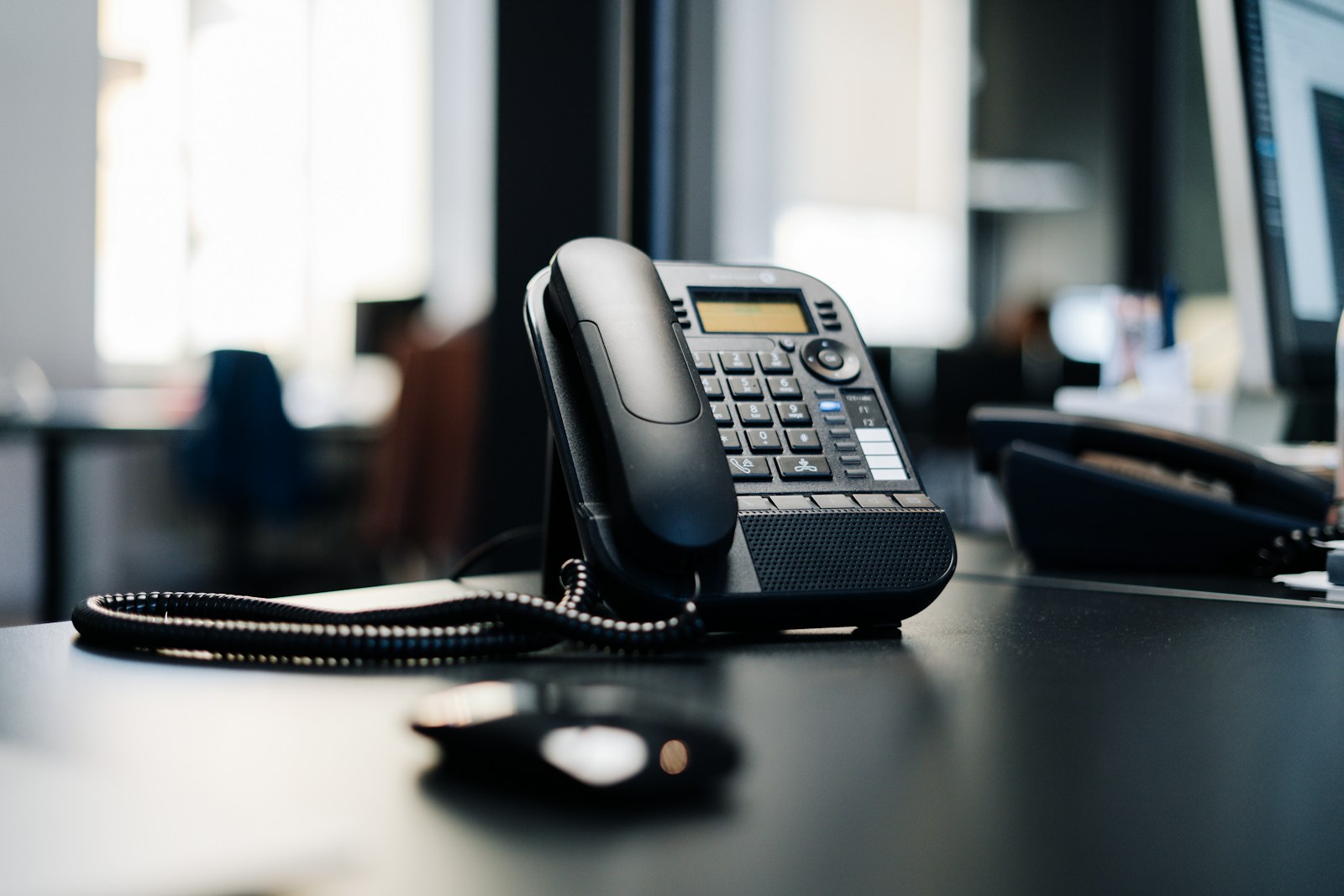
Your main number can reach beyond the front desk.
Your business number can connect a caller with a department, a colleague in another office or someone working remotely. We configure those routes around the people available to answer.
While your office is open
Use a recorded greeting and menu, or auto-attendant, to direct callers. Staff can answer and transfer calls from desk phones, computers and mobiles, with routing that reflects your departments and working schedules.
When no one can answer
Send voicemail recordings to the appropriate inbox. Outside the relevant working hours, route calls to voicemail, a mobile or an on-call colleague according to the plan you choose.
What is VoIP? Voice over Internet Protocol carries calls over your internet connection instead of traditional phone lines. We offer hosted and on-site systems, with setup, staff training and ongoing support.
What we set up and support
- Business calls on your devices
- Reach employees through a business number on desk phones, laptops and smartphones. We configure the devices and call routes for the locations and roles involved.
- Conference calling
- Bring several people into the same call using a built-in conference bridge, without a separate conferencing service.
- Call reporting
- Review call volume, duration and missed calls. The patterns can help you see whether a department needs a different route or coverage during particular hours.
- Changes as your team grows
- Add extensions and change call routes when colleagues join, move or take on different responsibilities. Our help desk supports the system after setup.
Hosted or on-site? Start with how you work.
The right approach depends on your existing equipment, locations, budget and how calls need to reach staff. We offer both hosted and on-premise systems and review the environment before recommending one.
Compare subscriptions, equipment, calling charges and support with your current service. Include the numbers and locations involved. The right system needs to fit your calling needs as well as the bill.
A planned switch, with support afterward.
A phone change affects customers as well as employees. We plan the system, installation, number transfers and staff training, including the network and security settings behind the calls.
Support after setup
Our help desk can help with a phone that stops working, a new extension or a change in routing. The phone system and its network can be considered together when troubleshooting.

Keep the numbers people know
We handle number porting, the transfer between providers. Start with a complete list of numbers and matching current account details. Confirm transfer eligibility and timing with the providers, and keep existing service active until the move is complete.
Check the connection behind the call
Check bandwidth and network conditions at the locations where people will use the system. Broken audio or dropped calls can involve the connection as well as the handset or calling application.
Plan for a lost connection
Plan what should happen if an office loses internet or power. Available backup routes, such as forwarding to a mobile or another location, depend on the service and configuration. Agree on the behavior before an interruption occurs.
Help staff use the new system
Train staff to answer, transfer and retrieve messages on the devices they use. Confirm each location’s hours, time zone, holiday greeting and escalation contact before configuring the call routes.
Questions about changing phone systems
Can we keep our existing business numbers?
We handle transfers of existing business numbers. The providers need to confirm that the numbers can move and approve the transfer details and date. Give us the full number list and current account information before making changes to the old service.
Can staff use the phone system away from the office?
Yes. Our options support calls on desk phones, computers and smartphones. A suitable connection, configured device and agreed route are needed wherever the employee works.
What needs to work better on your phones?
Bring a recent phone bill, the numbers you need to retain and an outline of who answers calls at each location. We can discuss what works now and what you want the new system to do.
your organization.