
VoIP phone systems in Jacksonville
Business calls, wherever your team works.
Your phone system should work as hard as your team does. When calls need to move between the front desk, another office and people working remotely, the setup behind your main number matters.
Design I.T. Solutions sets up and manages VoIP phone systems around the way your organization works, from choosing the system to training your staff and supporting it afterward.
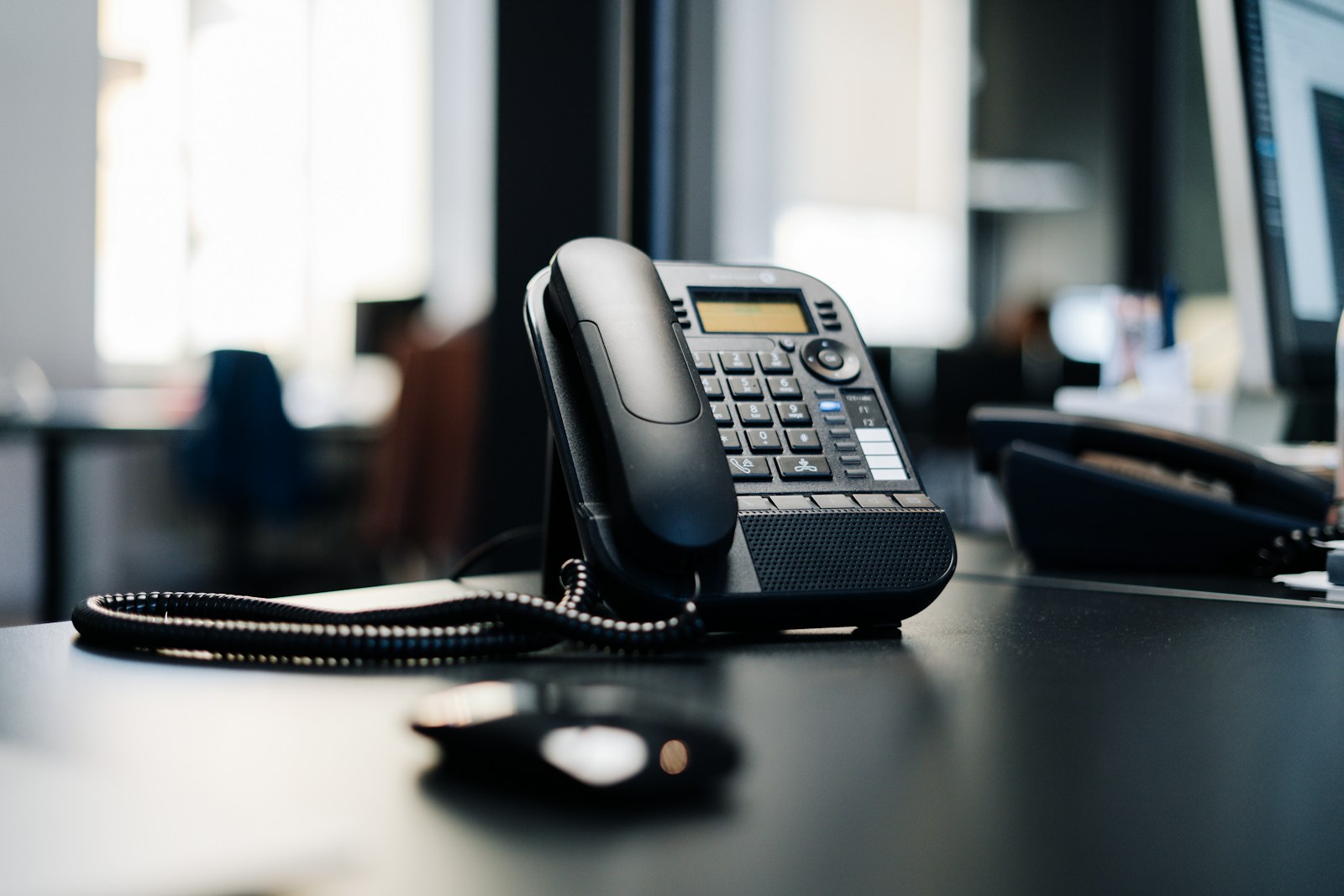
Your main number can reach beyond the front desk.
A call for a colleague should be easy to transfer, even when they are working from home or another office. We set up your phone system so callers can reach the people who can help.
While your office is open
Give callers a recorded greeting and menu, known as an auto-attendant, or route them to the person or department they need. Staff can answer and transfer calls from a desk phone, computer or mobile.
When no one can answer
Send voicemail to the right inbox as an audio file. After closing, route calls to voicemail, a cell phone or an on-call colleague according to your working hours.
What is VoIP? Voice over Internet Protocol carries calls over your internet connection instead of traditional phone lines. We offer hosted and on-site systems, with setup, staff training and ongoing support.
What we set up and support
- Business calls on your devices
- Use the same business number from a desk phone, laptop or smartphone. We configure calling around where your staff work and how they should be reached.
- Conference calling
- Bring several people into the same call using a built-in conference bridge, without a separate conferencing service.
- Call reporting
- See call volume, duration and missed calls. Review when calls go unanswered and whether your call routes fit the people available.
- Changes as your team grows
- Add an extension for a new employee or change where calls ring when responsibilities shift. Our help desk supports the phone system after setup.
Hosted or on-site? Start with how you work.
We offer both hosted and on-premise VoIP. Your existing equipment, budget and the way your team uses the phones help determine the right approach.
Compare the full cost of service, equipment and support with your current bill. Savings depend on the system and calling needs; a lower monthly cost is not automatic.
A planned switch, with support afterward.
We assess your needs, recommend a system, install and configure it, handle number transfers and train your staff. Your network and Cybersecurity belong in that work, too.
Support after setup
When an extension needs changing or a phone stops working, our help desk supports the system. You have help with the phones and the I.T. behind them.

Keep the numbers people know
Transferring a number between providers is called porting. We handle the process, starting with the numbers you want to keep and the account details your current provider holds. Keep existing service active until the transfer is complete.
Check the connection behind the call
We assess bandwidth and network setup. Call quality depends on connection quality as well as the phone system, so a new handset alone may not solve broken audio.
Plan for a lost connection
We plan for failover during setup: a backup route for calls if the primary internet connection drops. Forwarding to a mobile or another location depends on the chosen service and configuration. Include power loss in the plan as well.
Help staff use the new system
We train your people on the features they will use, including answering, transferring and checking messages. Agree on your Jacksonville office hours, holiday greeting and any colleagues working a different schedule before configuring call routes.
Questions about changing phone systems
Can we keep our existing business numbers?
Yes. We handle number porting so your contacts can keep using the numbers they know. We review the numbers and current account before arranging the transfer with the providers. The transfer date depends on their approval.
Can staff use the phone system away from the office?
Yes. Our VoIP options support business calling from desk phones, computers and smartphones. We configure the devices and call routes around where your people work and how they should be reached.
What needs to work better on your phones?
Tell us about your current system, the people who answer calls and what you want to change. A recent phone bill and a list of numbers you want to keep are useful starting points.
Jacksonville, FL 32211